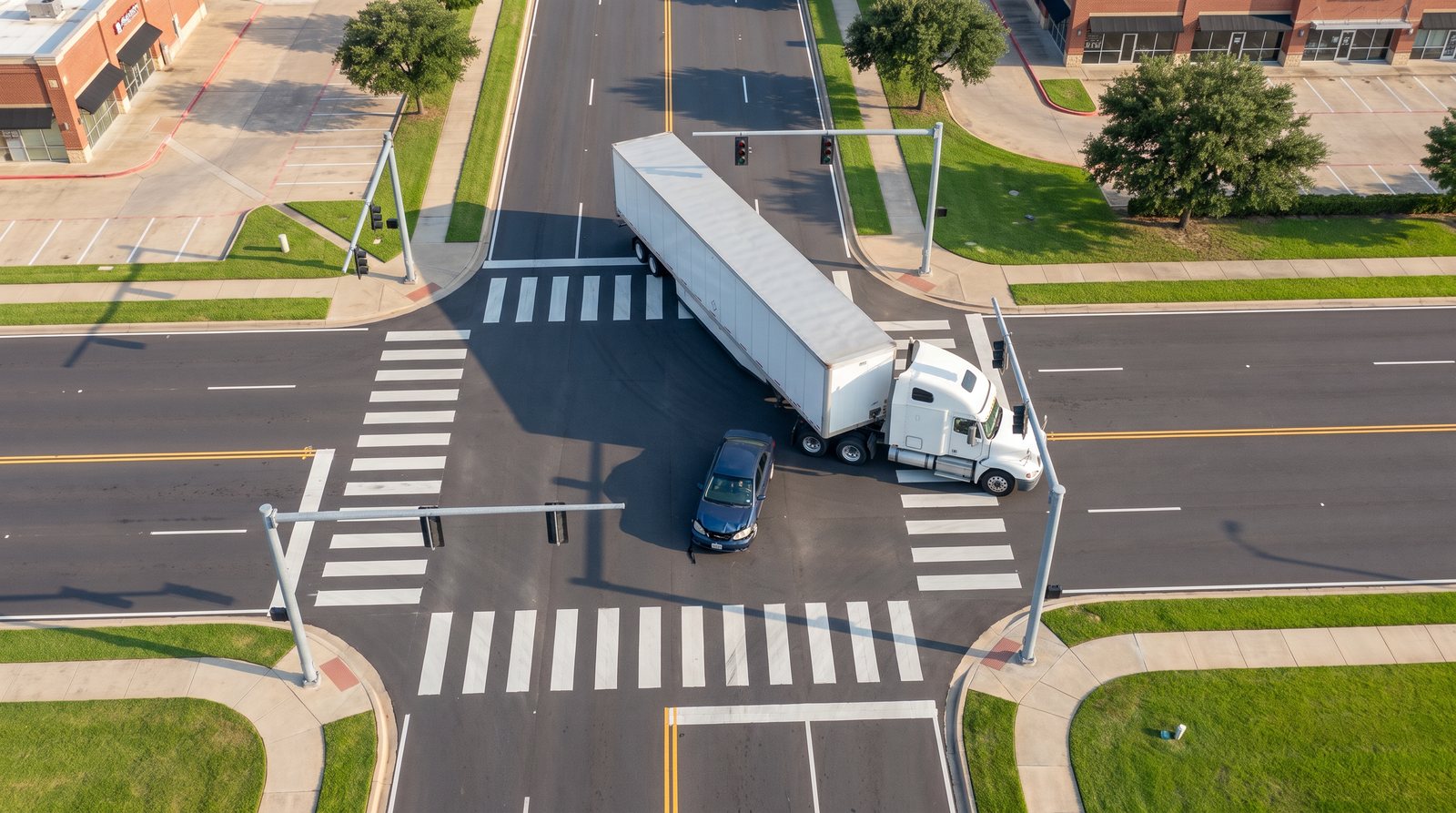
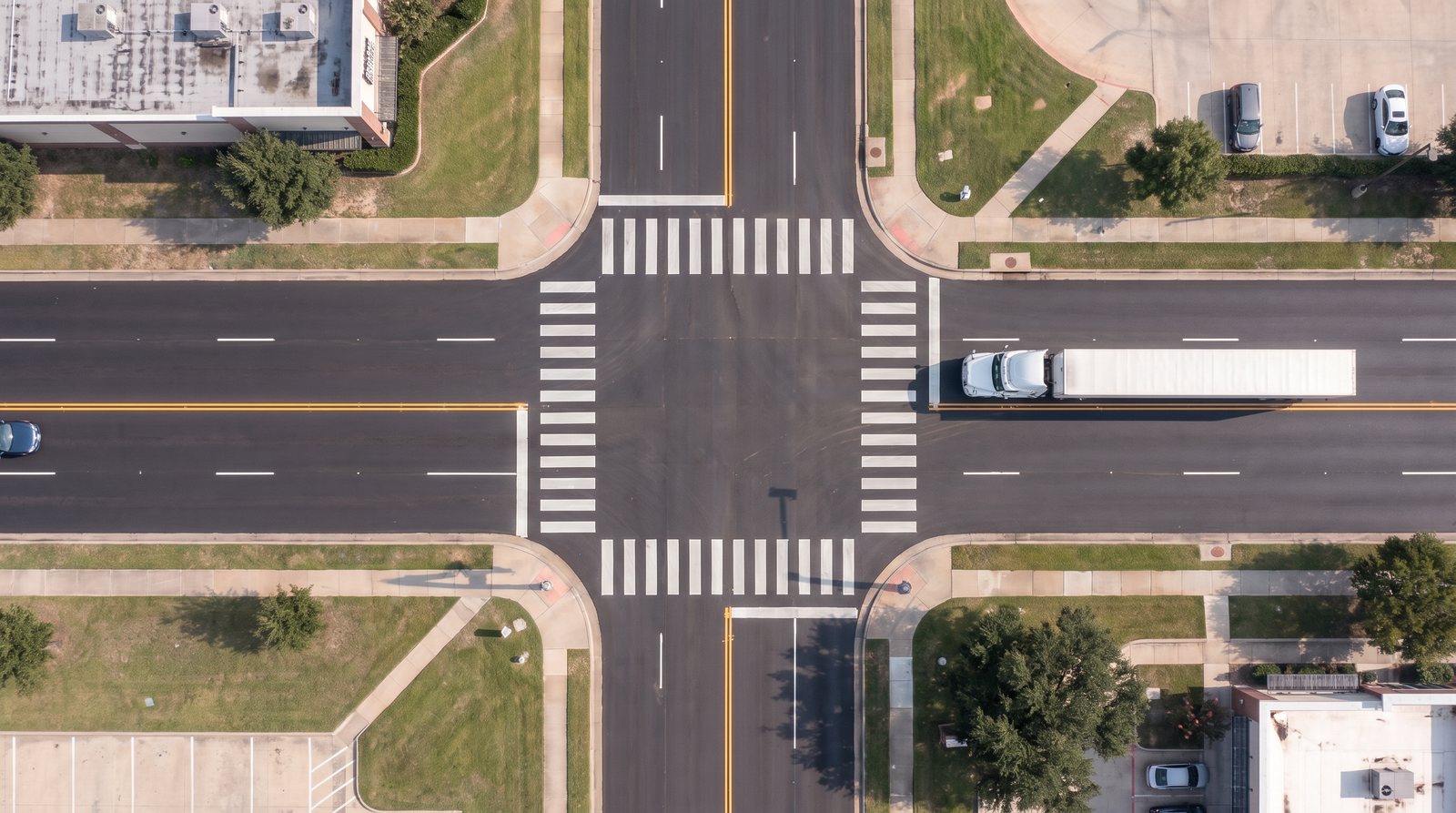
Crash reconstruction · Demo

Every frame,
backed by the numbers.

A 36-second intersection reconstruction. The motion is calculated from case data and built in Blender. The photoreal look is rendered on top of it, frame for frame.

Designed and directed by Serge Tretiakov, 3D & Motion Designer 1920 × 1080 · 24 fps · 36 s

The case

A truck turns left.
A sedan has the green.

Six inputs define the whole event. Everything you see on screen follows from them.

40mph
Sedan speed on a green light
11mph
Tractor-trailer turning speed
53ft
Dry van trailer length
1.5s
Driver perception-reaction time
0.7g
Braking deceleration
13.7mph
Calculated speed at impact
0.00 s
Both vehicles approach
5.49 s
Truck begins left turn
6.99 s
Sedan driver brakes
8.71 s
Impact at 13.7 mph

Fictional case created for a portfolio. Values are typical for an urban arterial intersection.

01 · Physics

Motion you can defend.

Before any design, a small Python model steps both vehicles through time: speed, braking, the truck's turning radius and the trailer following its kingpin. Every position in the film comes from this table, 30 times per second.

PythonTime-distance modelTrailer kinematics

02 · Scene

Built in Blender. To scale.

The intersection, the tractor, the 53-foot trailer and the sedan are modeled at real dimensions and driven by the simulation data. Cameras are animated per shot. The crash itself is modeled too: the hood buckles, the windshield cracks, debris falls.

The Blender scene, played back with its own cameras: drone flyover, impact close-up, after-crash orbit.

Blender12 ft lanes53 ft trailerAnimated camerasShape-key crush

03 · Motion trackers

Grey first. On purpose.

Each shot is rendered as a clean greyscale pass with no color and no text. It carries only shape and motion, so the next step can change the look without ever changing where the vehicles are.

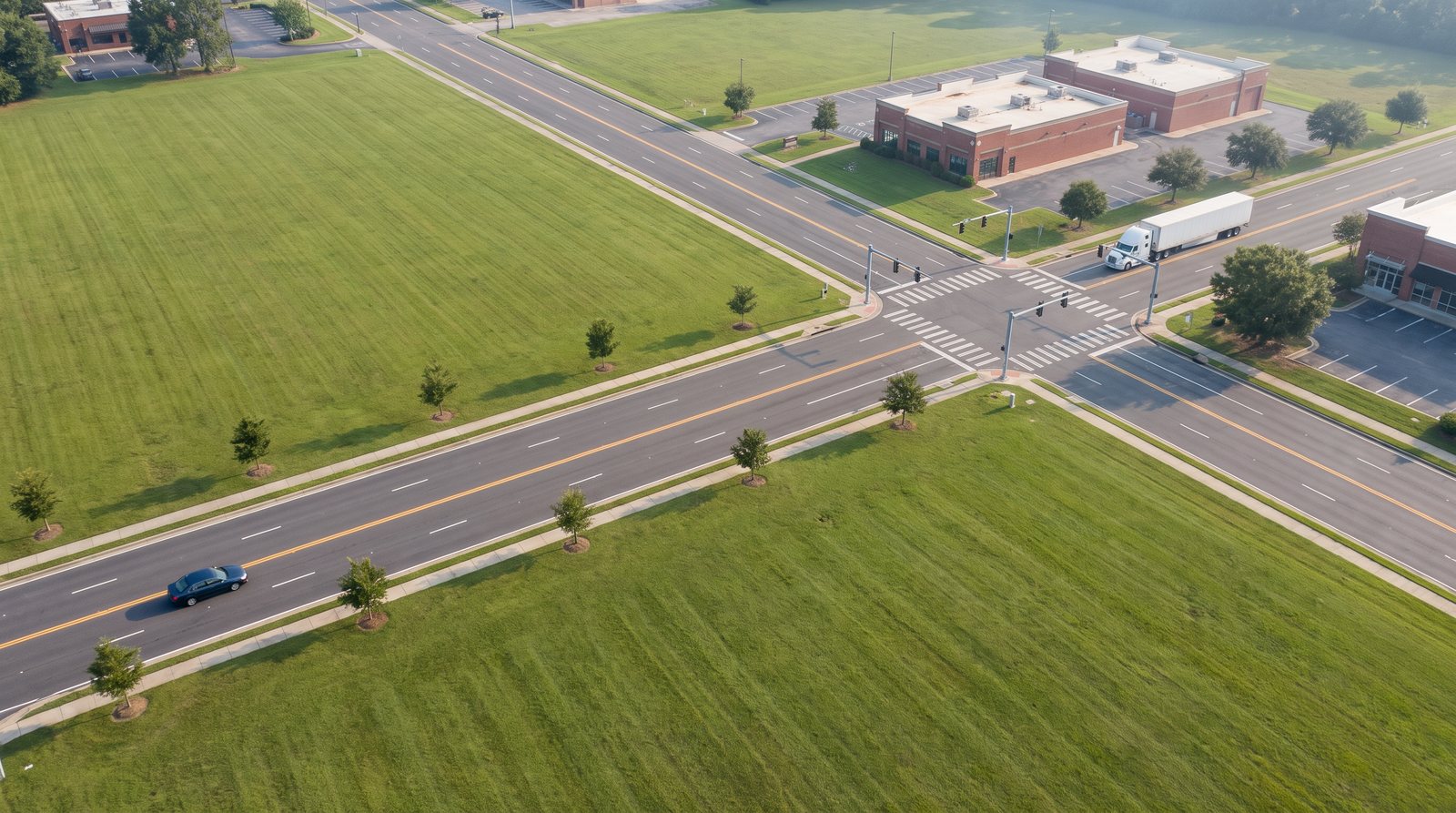
Drone overview

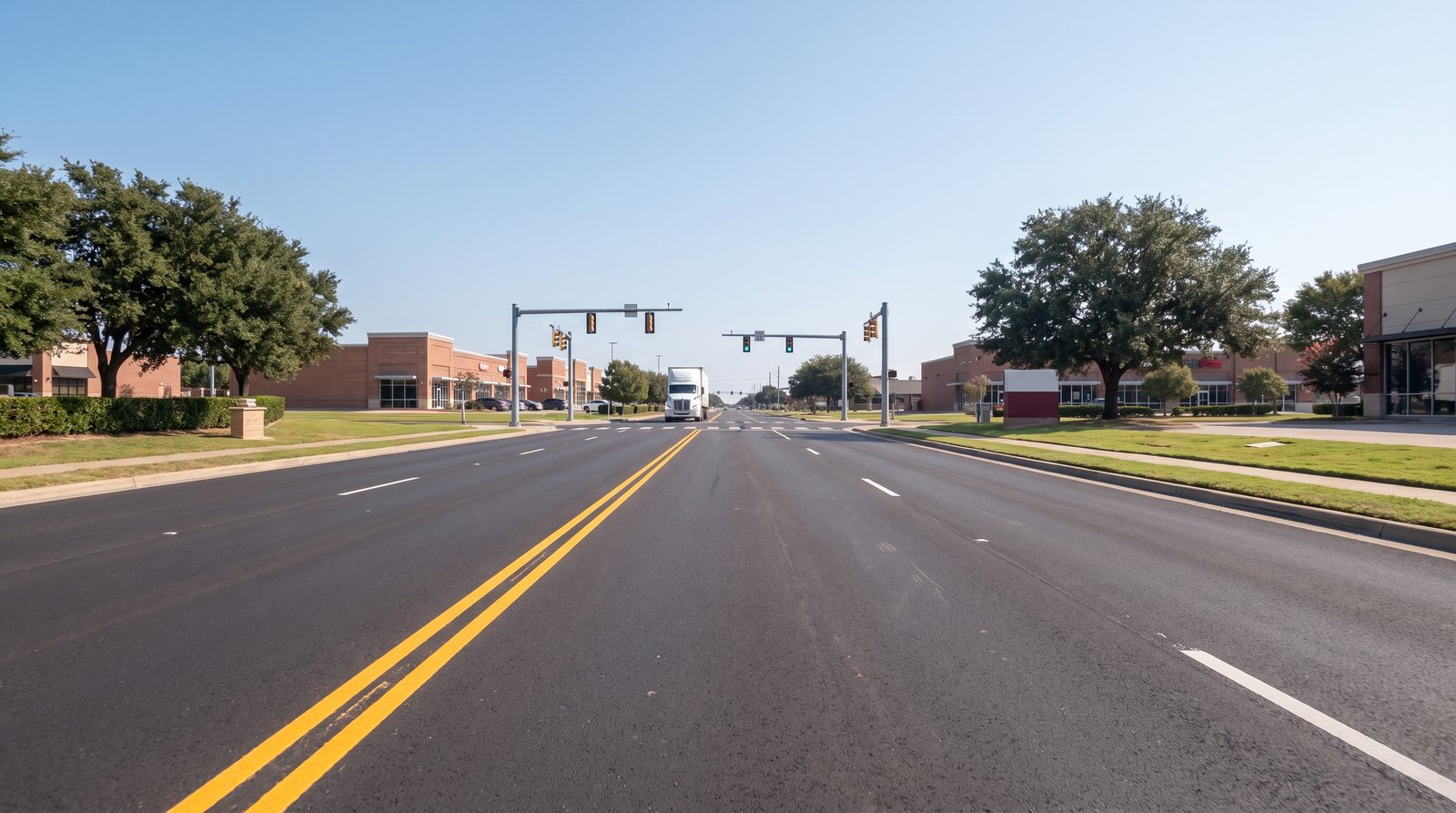
Driver's view

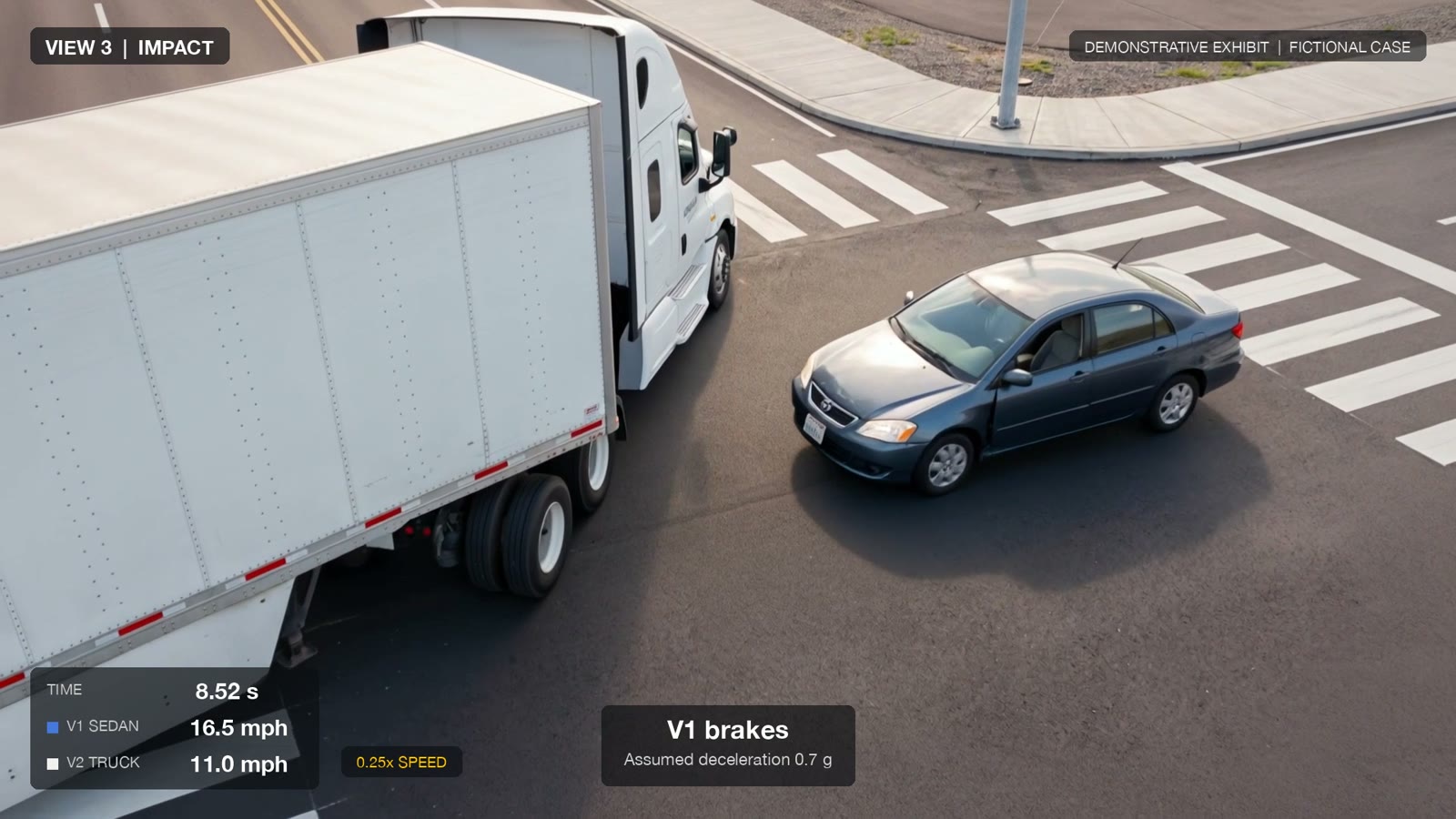
Impact, 0.25× speed

Final rest, orbit

Alternate: truck yields

04 · Look development

The look, approved before a single frame moved.

One master frame sets the visual standard: soft late-morning light, fresh asphalt, a believable Texas suburb. Then every shot gets its own first frame, checked against the grey pass so nothing drifts.
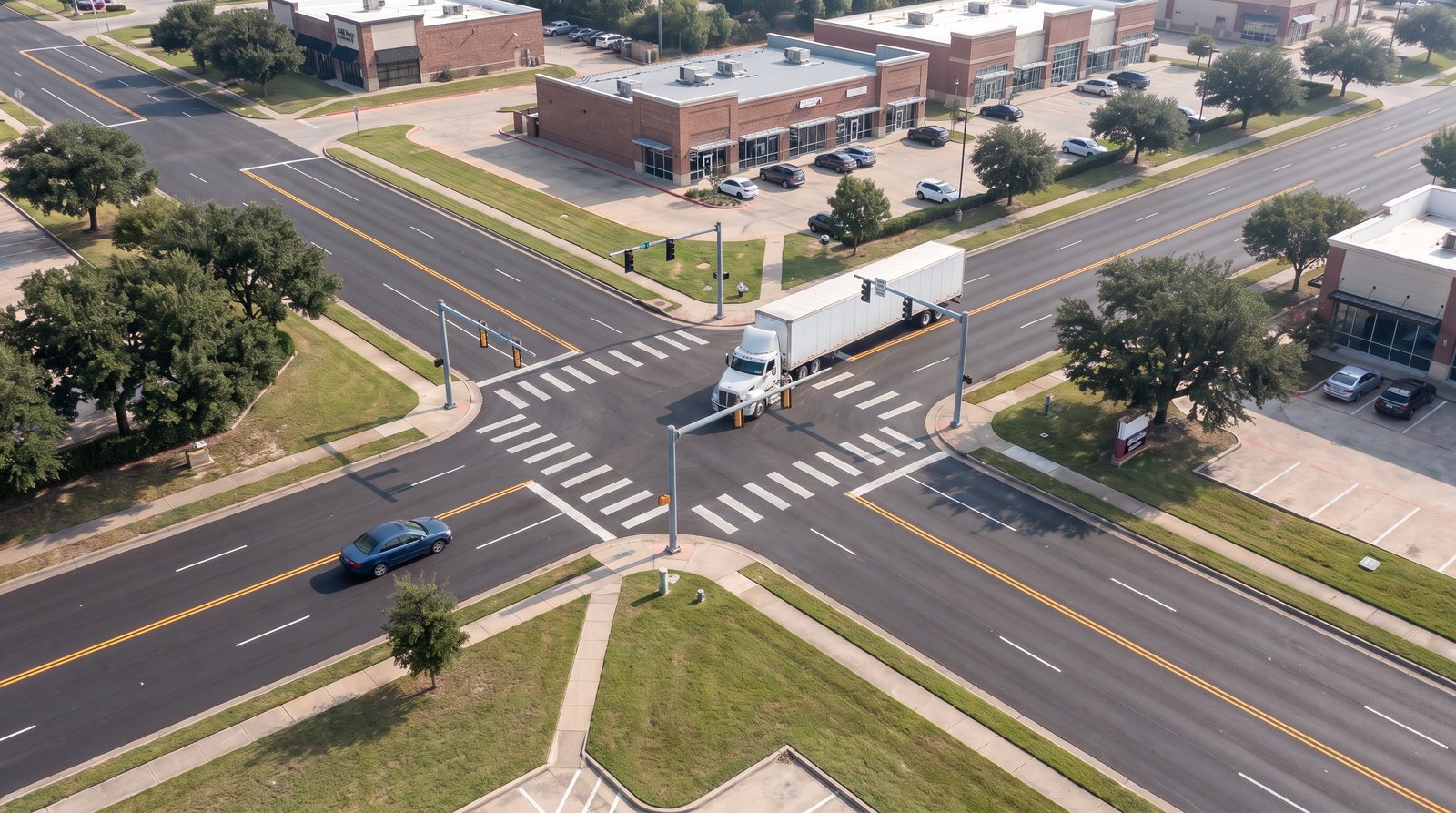
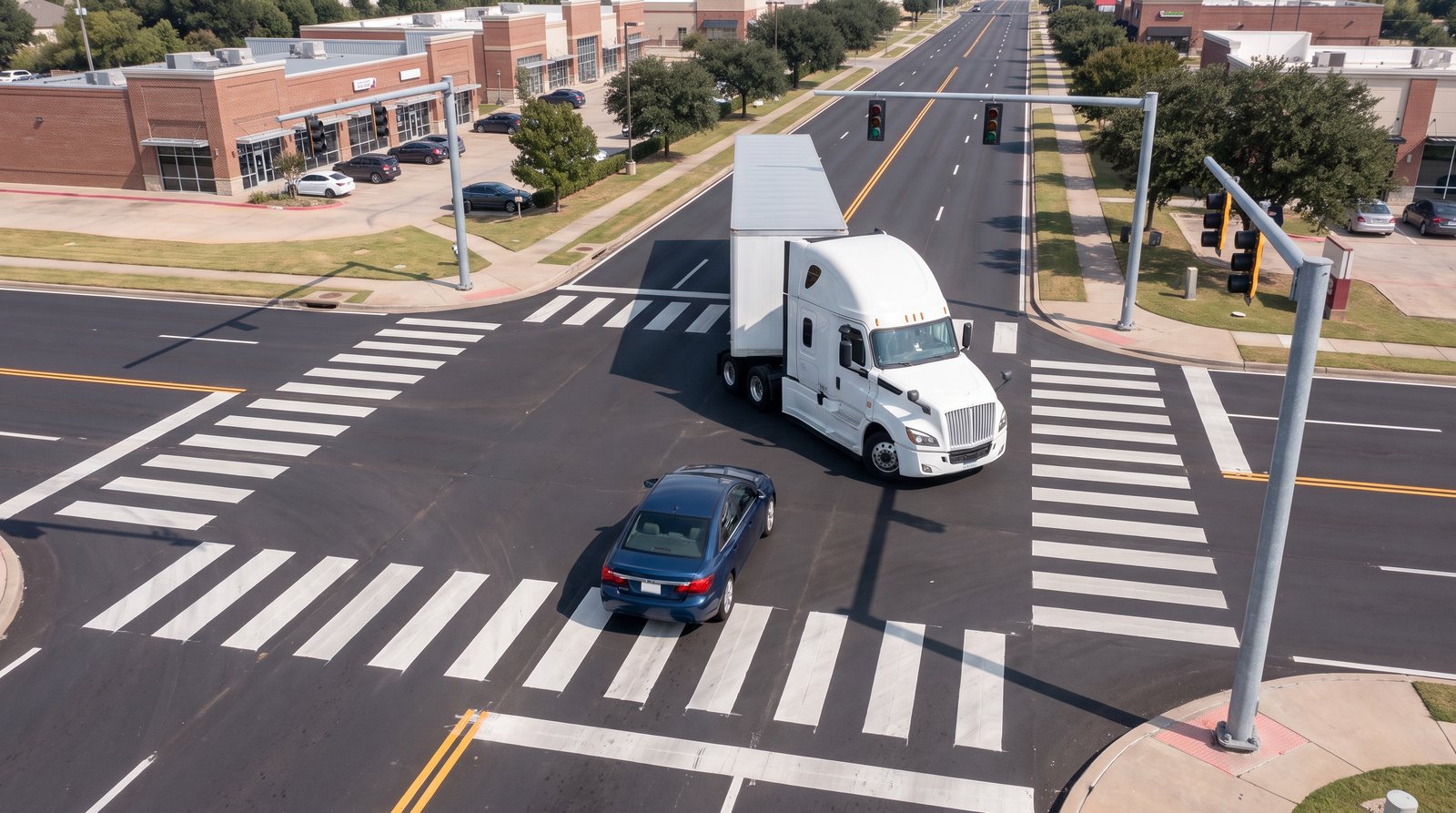
Approved master frame: aerial view of a suburban intersection with a white semi-truck turning and a blue sedan approaching

Master look frame.

First frame of the drone overview shot

Drone overview

First frame of the driver's view shot

Driver's view

First frame of the impact shot

Impact

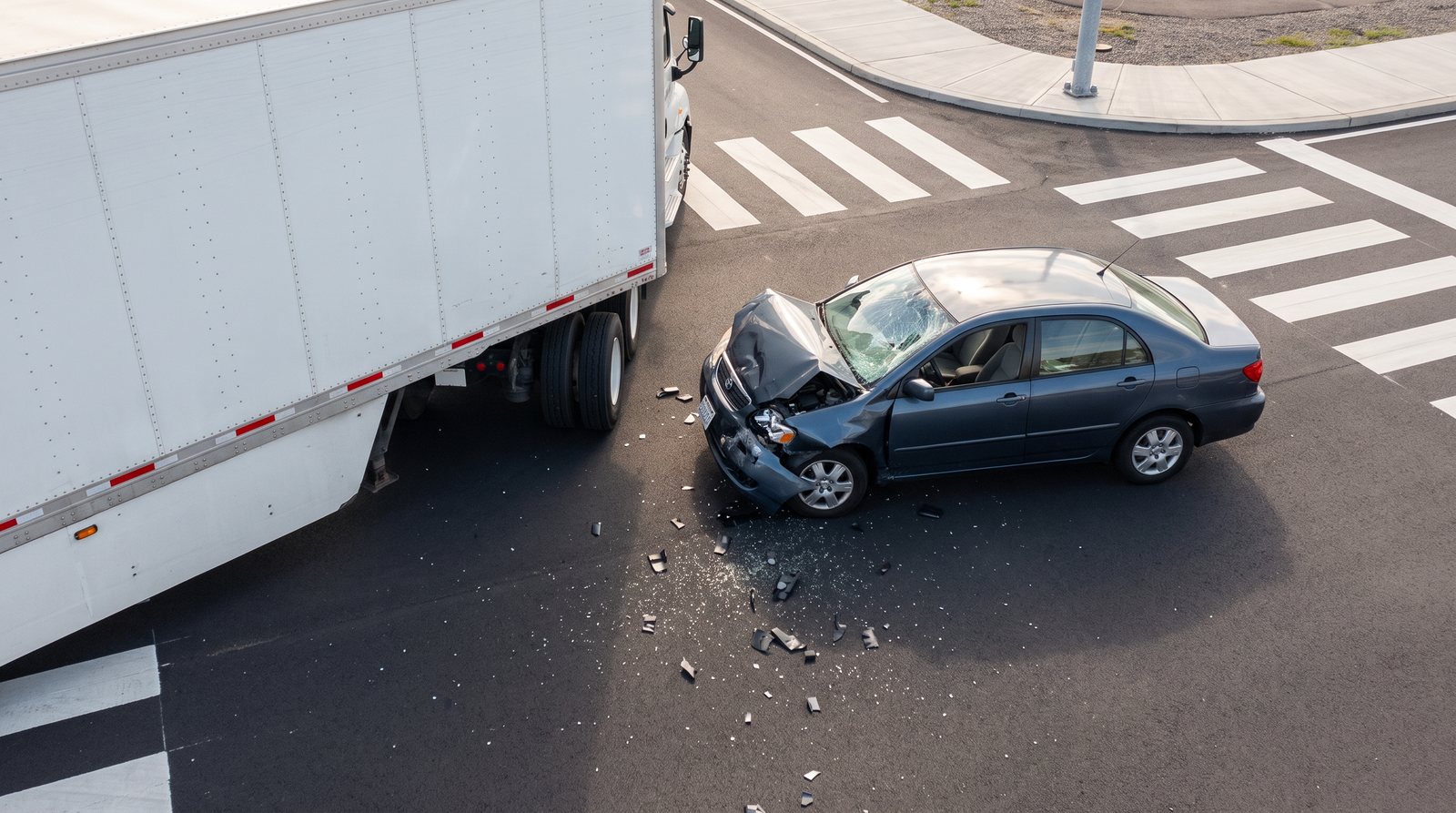
Damage reference: sedan with buckled hood and cracked windshield beside the trailer

Damage reference

First frame of the final rest shot

Final rest

First frame of the alternate scenario, top-down

Alternate scenario

05 · Render

From grey to real.

The grey pass drives the motion. The approved frames drive the look. The result keeps the calculated paths, timing and point of impact, and adds the realism.

Grey pass from Blender
Final shot

Drone overview

Driver's view

Final rest, orbit

Alternate: truck yields

Frame from the final film with view label, time, both vehicle speeds and the event caption

06 · Edit

Data on screen.

Time, speeds and event captions are generated straight from the simulation, frame by frame. When the sedan brakes, the number drops on screen exactly as the model says.

The pipeline

Four steps. One source of truth.

01

Calculate

Python model of both vehicles, 30 samples per second.

02

Build

Blender scene to scale, cameras and crash deformation.

03

Render

Grey motion passes plus approved look frames, rendered photoreal with Kling.

04

Finish

Edit and on-screen data generated from the same simulation.

BlenderPythonKling o3Nano Banana ProFFmpeg
A note on method. This is a fictional case made for a portfolio. The motion, timing and point of impact are calculated and modeled in 3D; the photoreal look is AI-assisted on top of that motion. For a real courtroom exhibit, I would render the final version entirely in 3D from the same data.

I built this to show
how I work.

Accurate first. Beautiful always. I would love to do this for your cases.

See more work on Behance

Serge Tretiakov · 3D & Motion Designer · behance.net/tretiakov-design